Collection: Golf Simulator Projector

A golf simulator projector needs to do more than produce a bright picture. It has to fill a large golf impact screen from a practical mounting position, stay clear of the golfer's swing, and produce enough detail to track your shot. 

For most simulator rooms, a short-throw projector golf simulator creates a large image without requiring excessive distance behind the hitting area. Lumen count and resolution decide whether that image looks sharp and true to color or washed out and distorted.

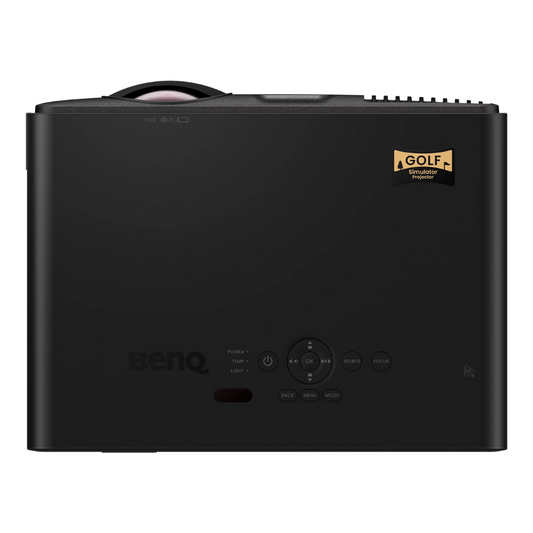
At One Stop Sim Shop, the BenQ lineup includes golf-focused models, such as the AK700ST, which offers 4K resolution, 4,000 ANSI lumens, a short-throw 0.69–0.83 throw ratio, and Auto Screen Fit that adjusts the image for the most immersive experience.

Browse the collection below to pick the best projector for a golf simulator room. If you're choosing a projector alongside a golf impact screen, explore our golf simulator packages for a more comprehensive setup.

How to Choose the Best Projector for Your Golf Simulator

The best golf simulator projector depends on three variables working together: throw ratio, brightness, and resolution. Get one wrong and the image suffers, no matter how good the other two specs look on paper. 

Throw Ratio, Why Short Throw Is the Standard for Golf Simulators

Throw ratio is the distance from the lens to the screen divided by the width of the projected image. A standard throw projector typically runs above 1.0 and requires at least 10 feet of depth to fill a simulator screen, which usually means mounting it inside or near the hitting zone. 

A short-throw projector golf simulator setup solves that problem by producing the same image size at just 5 to 6 feet away. Most simulator bays run 10 to 15 feet deep, so short throw is required to keep the projector out of the swing path and clear of foot traffic. 

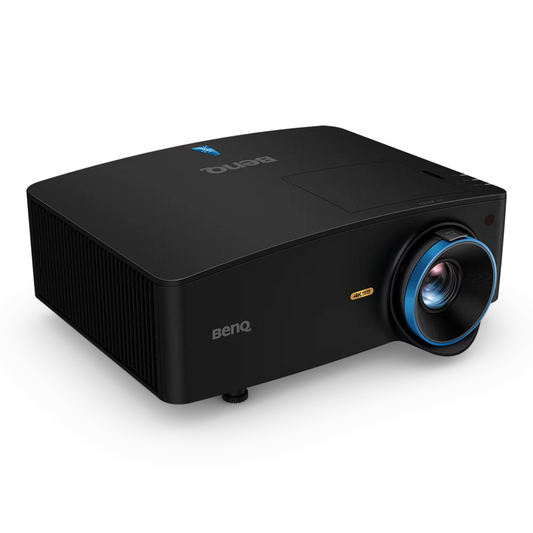
BenQ's simulator lineup, including the AH700ST, AK700ST, and TK710STi, all run a 0.69 to 0.83 throw ratio, offering large images from relatively limited distances. An ultra-short-throw option comes in at below 0.4 and can work in tighter bays, but it should be evaluated carefully against the room layout. 

Before choosing a projector model, compare projector specifications and use a throw calculator based on your room dimensions to narrow down the right throw projectors for the space. If matching throw ratio and screen shape is tricky in your room, a personalized recommendation can help narrow the best fit. 

Brightness, How Many Lumens Do You Need?

Brightness is measured in ANSI lumens. A darker, controlled room puts less demand on the projector, while windows, overhead lighting, and garage doors can wash out the image.

As a practical starting point, around 2,500 lumens can work in a controlled room, while 3,200–4,000 lumens is a stronger range for a partially lit basement. Golf rooms with substantial daylight may benefit from 5,000 lumens or more. 

The BenQ TK710STi delivers 3,200 ANSI lumens for indoor golf spaces with some ambient light. The AH700ST and AK700ST both step up to 4,000 ANSI lumens, giving enough output to hold up in brighter garages and multi-use spaces. They also provide long-lasting 20,000-hour light source life, eliminating the hassle of installing replacement bulbs. 

1080p vs 4K for Golf Simulators

For most simulator rooms, 1080p provides a perfectly usable image. If you're working with a larger screen or want sharper ball-flight graphics and course detail, 4K or full HD can deliver stunning clarity.

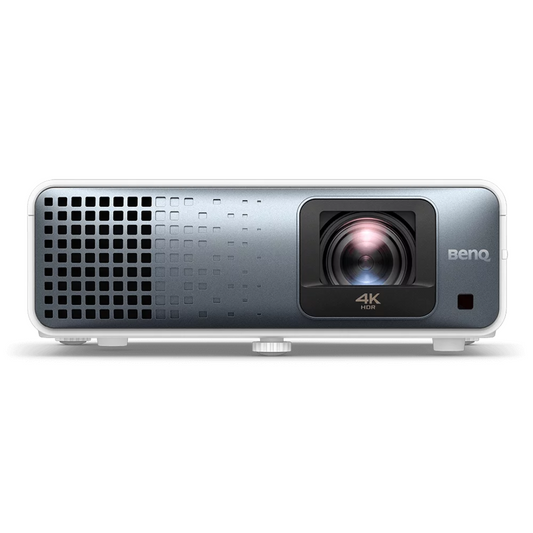
A 4k projector golf simulator setup is particularly appealing when the simulator also doubles as a home-theater or entertainment space. The BenQ AK700ST and TK710STi both support native 4K UHD resolution, making either a stronger pick for a wider bay or a dual-purpose room. 

The LK936ST combines it with 5,100 ANSI lumens and a 0.81–0.89 short-throw ratio for an even more immersive golf course-like experience.

Golf Simulator Projector Setup Guide

A good golf simulator projector setup starts with placement. 

Ceiling mounting keeps the projector out of the way and can provide a clean projection path, while a floor or shelf position may work for temporary or flexible installations. Whatever method you choose, calculate the throw distance to avoid shadows on the screen and account for the available space.

Run the video cable from the projector to the golf simulator computer with as little unnecessary slack as possible, and leave enough access for future adjustments. Use lens shift to position the image horizontally or vertically without moving the projector; use keystone correction only when necessary because optical positioning is generally preferable. 

The BenQ AK700ST simplifies alignment with Auto Screen Fit, which can automatically adjust the image for supported 16:9, 16:10, 4:3, and 1:1 aspect ratios. Pair the projector with the right golf simulator enclosures to get ceiling mount points and cable routing sorted before installation day. 

If you're setting up a hitting bay for the first time, our guide on how to build a golf simulator walks through room sizing, ceiling height, and layout for perfect setup.

Golf Simulator Projector FAQs

What is the best projector for a golf simulator?

The right projector depends on your screen size, room dimensions, input responsiveness, ambient lighting, and budget. A short-throw model with sufficient brightness is usually the right starting point for a dedicated simulator. For premium builds, 4K models such as the BenQ LK936ST or AK700ST add greater image detail, while the AK700ST also includes Auto Screen Fit, which adjusts image alignment automatically for overall immersion.

How much does a golf simulator projector cost?

Golf simulator projectors typically run $2,000 to $5,000, with pricing driven mainly by resolution and lumen output. Short-throw 1080p models sit at the lower end of that range, while 4K laser models with higher brightness push toward the top.

Do you need a projector for a golf simulator?

Yes. The launch monitor captures your swing and ball data, and the projector turns it into a playable course and visible ball flight on the impact screen. Without one, the simulator tracks your shot but will show you nothing.

How far from the screen does a projector need to be for a golf simulator?

The required distance depends on the unit's throw ratio, the screen's width and the available space in the bay. Short-throw golf simulator projectors typically sit 5 to 6 feet from the screen to fill it completely, while standard projector setups usually need much more depth to achieve the same image size. 

What is throw ratio and why does it matter for a golf simulator?

Throw ratio describes the relationship between the projector's distance from the screen and the width of the projected image. A lower throw ratio generally keeps the projector away from the golfer and hitting area while still filling the screen, making short-throw projectors the standard choice for simulator bays.