
Collection: Screen Frame Protection
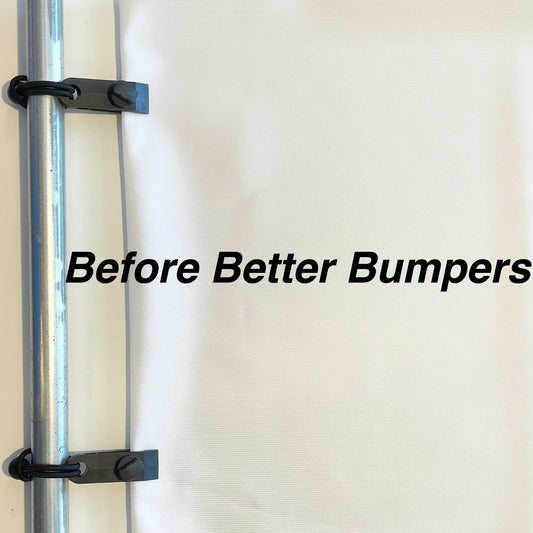
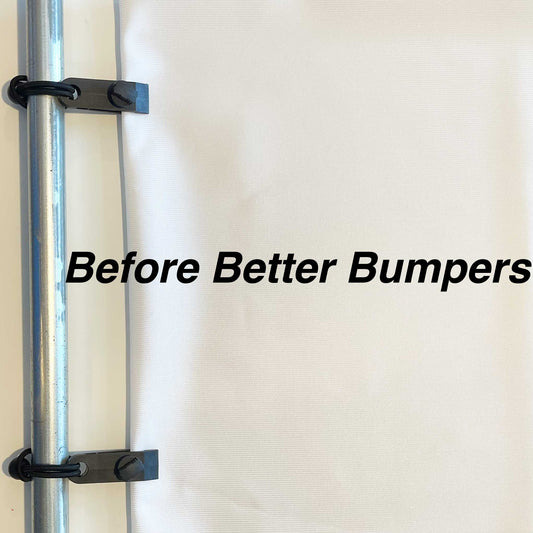
Golf simulator frame padding is one of the simplest upgrades you can make to improve both safety and durability in your simulator setup. When a mishit strikes an exposed metal frame, the ball can bounce back unexpectedly, damage the frame over time, or even scuff the ball. Quality golf simulator padding helps absorb those impacts before they become a problem.
Our Better Bumpers are designed to wrap around the frame that supports your impact screens, creating a cushioned surface that minimizes hard rebounds while helping protect your investment. Whether you're building a new simulator or upgrading an existing setup, you'll find options for standard frame sizes as well as custom sizing to ensure the right fit.
Choose between Better Bumpers and Better Bumpers XL based on your enclosure dimensions and frame thickness. If you're unsure which size you need, our sizing guide below explains how to measure your frame before ordering. Looking for padding for your simulator walls instead? Visit our wall & ceiling protection collection, which is specifically designed for wall panel protection rather than frame coverage.
-
Better Bumpers
Regular price From $122.89Sale price From $122.89 Regular price -
Better Bumpers XL
Regular price From $149.60Sale price From $149.60 Regular price


Frequently Asked Questions
What is a golf impact screen made of?

Most premium golf impact screens are made from premium materials and heavy-duty fabrics designed to withstand repeated golf ball impacts while delivering excellent projected image quality. Denser screen constructions help balance durability with the image quality needed for sharp HD or 4K projection. One Stop Sim Shop offers both single-layer and triple-layer screen options to suit different playing styles and usage levels.
What size impact screen do I need?
The ideal screen size depends on your room dimensions, enclosure size, hitting position, and projector setup. Measure your available width and height before purchasing, or use the Custom Impact Screen Builder for made-to-order sizing.
Single-layer vs. triple-layer impact screen—which is better?
Single-layer screens offer excellent image quality and value, making them ideal for many home golfers. Triple-layer screens reduce noise and bounce-back more effectively, making them better suited for heavy use, higher ball speeds, and frequent practice. Foam-backed constructions can also reduce noise and bounce-back while helping extend screen life.
Will an impact screen work with my projector?
Yes. Most golf simulator projectors work well with quality impact screens when properly positioned, and choosing a golf screen that matches your projector resolution, whether HD or 4K, helps maximize image quality while minimizing shadows for clearer, more realistic virtual course visuals during play.
How long does a golf impact screen last, and can it be repaired?
Screen lifespan depends on usage frequency, swing speed, proper installation, and keeping the screen evenly tensioned during setup and use. Many quality screens are built to endure thousands of hits and handle golf balls up to 250 MPH. Using screensavers can reduce wear over time, especially in the main area where the ball will repeatedly hit. Bungee cords help maintain even tension and reduce wear over time, and screen patches provide an easy solution for extending the life of your existing screen if localized damage occurs.
Can I get a custom-sized impact screen?
Yes. One Stop Sim Shop offers a Custom Impact Screen Builder that allows you to order made-to-order screens sized specifically for your simulator room. Most custom screens are produced within 1–3 weeks.


