
Collection: Golf Simulator Accessories
Complete your build with premium golf simulator accessories designed to improve performance, simplify installation, and extend the life of your setup. Whether you're finishing a new simulator or upgrading an existing one, you'll find the golf simulator parts you need in one place from install kits and ball bungees to ceiling baffles, putting cups, screen patches, and flagsticks. One Stop Sim Shop offers high-quality accessories compatible with a wide range of home and commercial simulator builds, with options ranging from affordable replacement hardware to premium protection systems.
If you're still building your simulator, explore our golf simulator enclosures and golf impact screens before selecting the finishing accessories below.

-
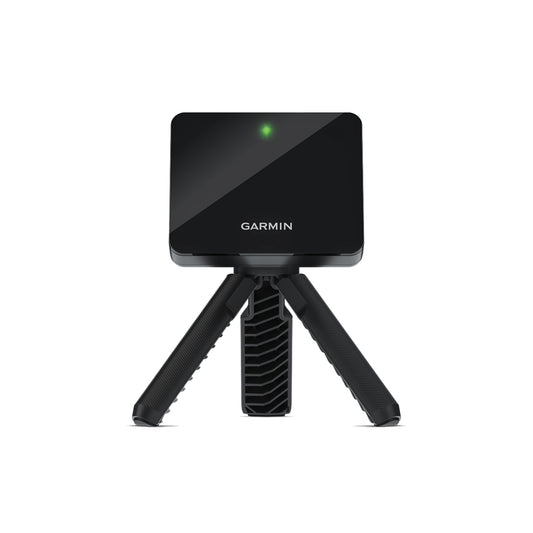
BUNDLE: Garmin Approach® R10 & US Premier Triple Layer 401 Golf Impact Screen (Woven border with Grommets)
Regular price From $999.99Sale price From $999.99 Regular price$1,278.00Sale -
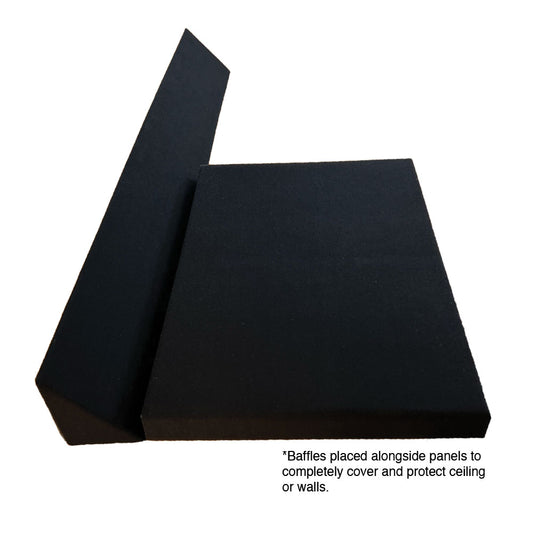
Pro Foam Panels
Regular price $49.99Sale price $49.99 Regular price -
Better Baffles
Regular price $79.99Sale price $79.99 Regular price -
MeTechs Retractable Golf Impact Screen Roller
Regular price From $486.00Sale price From $486.00 Regular price -
Ball Bungees - Pack of 10 (6")
Regular price $4.99Sale price $4.99 Regular price -
 Sold out
Tarp Clips - Pack of 10
Regular price $9.99Sale price $9.99 Regular priceSold out -

 Sold out
The Budget Bundle
Regular price From $699.00Sale price From $699.00 Regular price$867.98Sold out -
Adhesive Hook Velcro
Regular price From $1.00Sale price From $1.00 Regular price -
Ball Bungees - Pack of 25 (4")
Regular price $14.99Sale price $14.99 Regular price -
Pro Foam Shiplap Panels
Regular price From $24.99Sale price From $24.99 Regular price -
Better Ramps Add-On for 5" bumper
Regular price $69.99Sale price $69.99 Regular price -
Adjustable Ball Bungees - Pack of 10
Regular price $9.99Sale price $9.99 Regular price






Golf Simulator Accessories FAQs
What accessories do you need for a golf simulator?

Essential golf simulator accessories include install hardware, ball bungees, ceiling baffles, screen patches, putting cups, and a flagstick. If you want to analyze your swing and ball flight, optional launch monitors can add data such as club angle and swing speed, with models ranging from entry-level to high-end. Simulator software visualizes ball trajectory and course layouts, and many launch monitors include basic practice software. These accessories improve installation quality, protect your simulator, and create a more complete practice experience.
What are ball bungees used for in a golf simulator?
Ball bungees secure the impact screen to the enclosure while maintaining proper tension, and a hitting mat is another core accessory used alongside that setup. Four-inch bungees typically provide tighter attachment, six-inch versions offer additional flexibility, and adjustable ball bungees are ideal for custom installations. A quality mat provides a more natural turf feel for practice, improves turf interaction, and can reduce strain on wrists and elbows, while premium options better protect joints and simulate real turf. Some premium setups also include rubber tee holders or tethered rubber tees for more consistent tee shots.
What are golf simulator baffles?
Golf simulator baffles are protective overhead panels that stop high or thin shots before they reach the ceiling. A quality setup often pairs them with a safe environment for your projector as well. Products like Better Baffles help improve safety while protecting your simulator room from damage. High-quality impact screens also help deliver a crisp image and reduce noise. A polycarbonate shield can protect it from upward shots.
How do you install a golf simulator impact screen?
Most installations use hardware such as Complete Install Kits, Chain & Tubing Assemblies, Adhesive Hook & Loop fasteners, and Tarp Clips to securely mount the screen within the enclosure while maintaining proper tension. As part of a complete setup, longer projector runs often use Active Optical Cable HDMI leads to connect the computer without signal loss. Simulation software performs best when you understand the system requirements and use a machine with a powerful graphics card. Proper LED lighting can also improve the accuracy of camera-based launch monitors.
What are impact screen patches for?
Impact screen patches repair small tears and worn areas before they become larger problems. Using patches can extend screen life and delay the need for a complete replacement.
Which putting cups work for an indoor simulator?
The best golf putting cups depend on your turf thickness. Shallow and super-shallow cups are ideal for most indoor greens, while open-bottom and real-bottom options offer different installation styles based on your build. For a fuller indoor golf setup, some players also add specialized balls to improve spin measurement accuracy. If you're working on your golf swing, high-speed cameras make slow-motion review and video feedback easier during practice. Good software can also show ball flight and each course layout, and E6 Connect Home is a leading option for virtual play. Wireless simulator control boxes and Bluetooth speakers or soundbars can also make replay, practice, and indoor golf sessions more convenient and immersive with course audio.


