

BUILD YOUR OWN Custom golf simulator screen
BUILD YOUR OWN Custom golf simulator screen
Couldn't load pickup availability
 Custom made in the USA

Description
Description
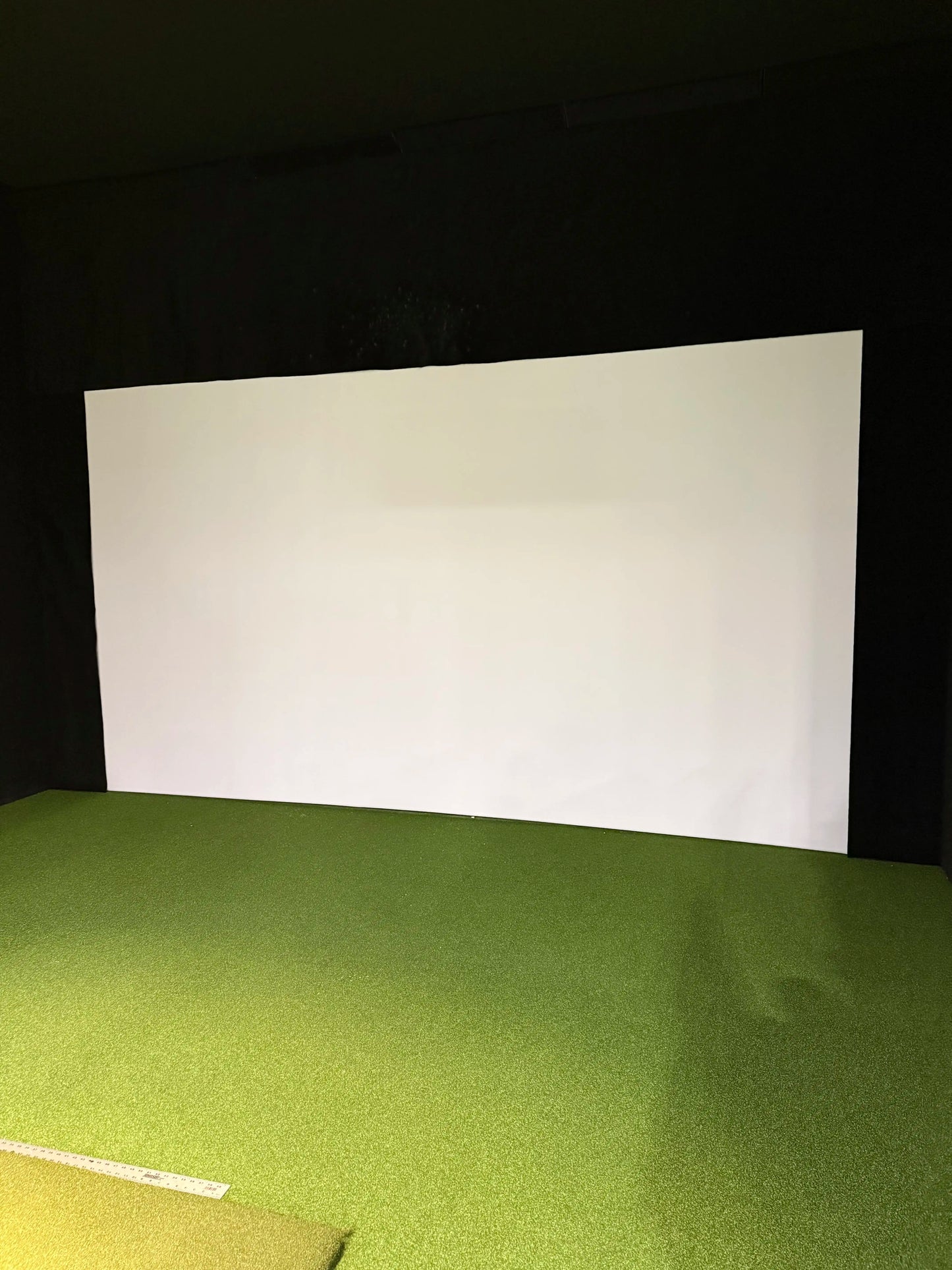
Completely custom golf impact screen TO YOUR SPECIFICATIONS!!
IF YOU ARE LOOKING FOR A BUDGET PREMIUM SCREEN CHECK OUT OUR STANDARD SIZE TRIPLE LAYER OPTION HERE: 401 PROMO
Ship times shown at checkout are estimates of time in transit after your product has shipped. Please note this item currently has a lead time of 3 weeks, which is not shown in the estimate. Some items in your order may ship separately to arrive faster.
All screens regardless of size are completely custom made and sewn by One Stop Sim Shop seamstresses and are therefore not returnable or eligible for a refund. Please confirm your specifications before completing your purchase.
How to choose?
How to choose?
Shipping
Shipping
Frequently Asked Questions
What size should I order for my custom golf impact screen?

When ordering a custom golf impact screen, measure the inside width and height of your simulator frame. Also, determine whether you need the viewable screen area or the full edge-to-edge dimensions, including borders and attachment hardware.
If you're unsure which measurement applies to your simulator setup, contact us before ordering or refer to our screen sizing guide.
What is the difference between single-layer and triple-layer impact screens?
A single-layer golf simulator screen custom option is a good choice for casual golfers looking for a lighter, more affordable screen that performs well at moderate swing speeds. Triple-layer screens are thicker, noticeably quieter on impact, and deliver a sharper projected image, making them the better choice for dedicated simulator rooms or home setups.
How long does a custom golf impact screen take to ship?
Each custom golf impact screen typically ships within 1 to 3 weeks. Production times can vary with current demand, so check the estimated shipping timeline displayed at checkout for the latest information.
What is the best aspect ratio for a golf simulator screen?
Custom golf simulator screens are available in 4:3, 16:10, and 16:9 formats. It’s important to match the screen with your projector's native aspect ratio because a mismatch either leaves dead space on the screen or pushes part of the image past the edges.
For many home golf simulator rooms with 9 to 10-foot ceilings, 16:10 often provides the largest usable image. Confirm your projector's specs before ordering.
How do I attach a custom impact screen to my frame?
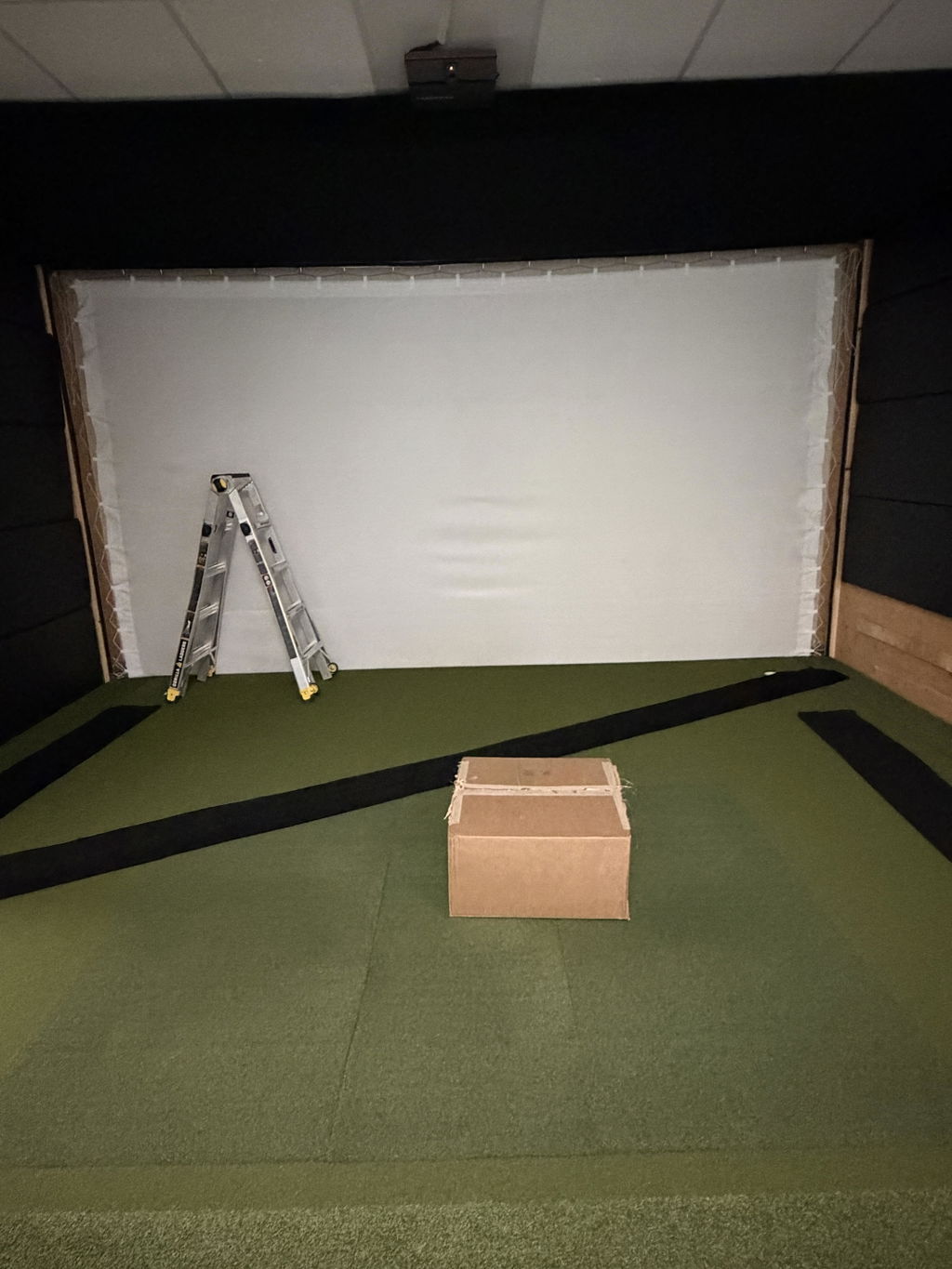
OSSS custom impact screens are available with three border finishing options: woven border with grommets, hemmed sleeve for chain/tube, or hook-and-loop border for direct attachment to foam bumpers.
Grommets are the most popular choice for pipe frames because they work with ball bungees or zip ties, while the hemmed sleeve lets you insert a weighted tube at the bottom to keep the screen taut and reduce movement after impact.
If you're building a DIY simulator, let us know your frame type and material and we'll recommend the best finishing option for your setup.
How many ball strikes will a custom impact screen last?
The lifespan of a golf simulator screen custom depends on swing speed, ball condition, and screen material, rather than a fixed strike count. OSSS Premier screens are tested to withstand ball speeds exceeding 200 mph, making them suitable for both home and commercial simulator environments.
It’s recommended to use clean, undamaged golf balls and keep your club grooves free of dirt and debris to reduce unnecessary wear and extend the life of your screen. Triple-layer screens generally last longer than single-layer models under the same conditions.


