
Collection: Golf Simulator Packages: Bundles, Kits, and Custom Builds
A golf simulator package can be as simple as a launch monitor and impact screen or a complete setup with an enclosure, hitting mat, projector, and simulation software.
At One Stop Sim Shop, you can choose from ready-to-go golf simulator bundles or build a system around the equipment that fits your room, budget, and goals. Our golf simulators come at every price point, from entry-level bundles built around the Garmin Approach R10 to premium overhead systems like the Uneekor EYE XO2.
If you're not sure which combination makes sense, you can also get personalized guidance from a PGA Golf Professional with 25 years of experience.

-
BUNDLE: Garmin Approach® R10 & US Premier Triple Layer 401 Golf Impact Screen (Woven border with Grommets)
Regular price From $999.99Sale price From $999.99 Regular price$1,278.00Sale -
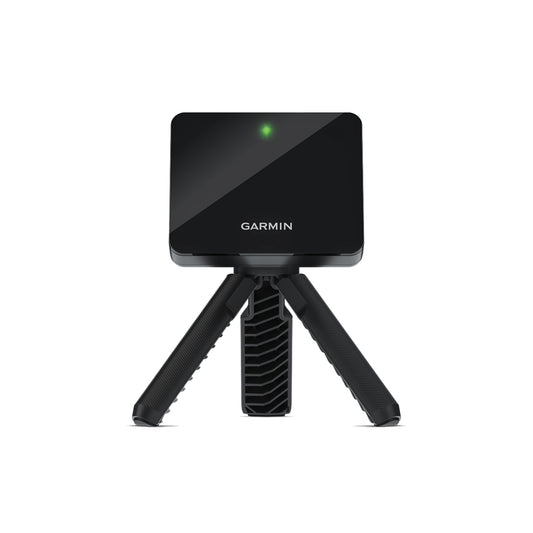
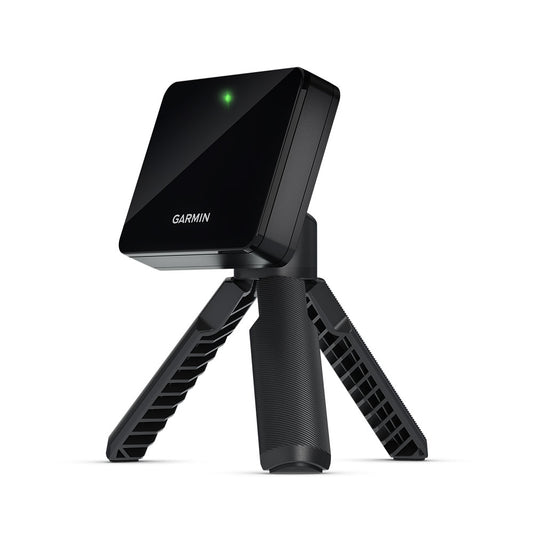
Garmin Approach® R10
Regular price $599.99Sale price $599.99 Regular price -

 Sold out
The Budget Bundle
Regular price From $699.00Sale price From $699.00 Regular price$867.98Sold out -
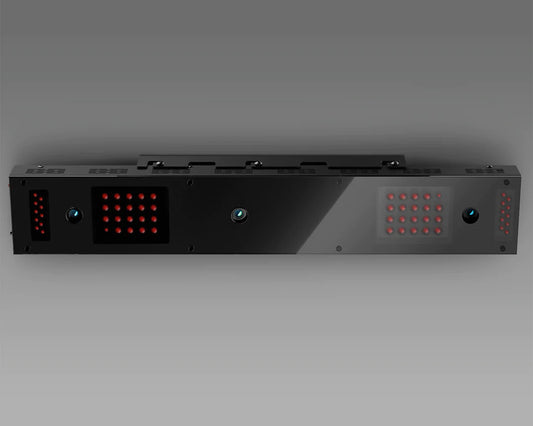
Uneekor EYE XO Launch Monitor
Regular price $8,000.00Sale price $8,000.00 Regular price -
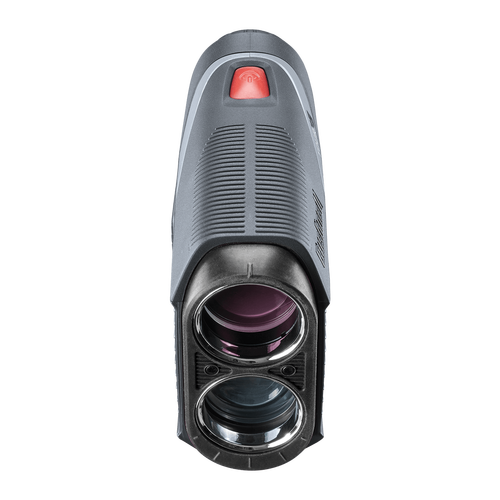
Tour V5 Laser Rangefinder by Bushnell
Regular price $299.99Sale price $299.99 Regular price -
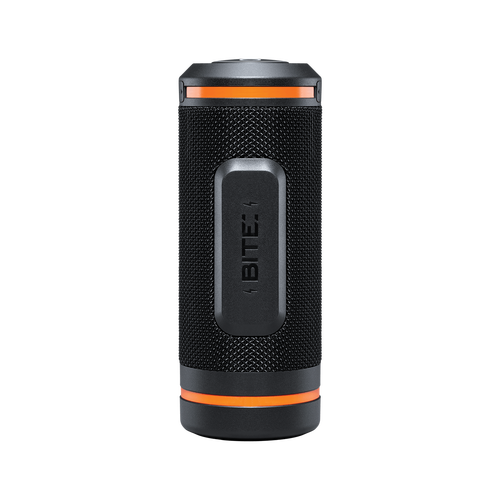
Wingman by Bushnell Golf
Regular price $149.99Sale price $149.99 Regular price -
EYE XO2 Launch Monitor
Regular price $11,000.00Sale price $11,000.00 Regular price$14,000.00Sale -
Garmin Approach® R50
Regular price $4,999.99Sale price $4,999.99 Regular price -
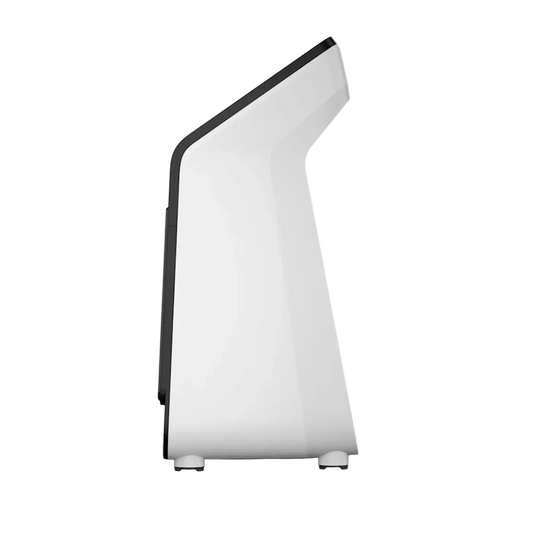
SurfThing SG3-5802 Golf Simulator and Gaming Computer
Regular price From $4,699.00Sale price From $4,699.00 Regular price









Frequently Asked Questions
What comes in a complete golf simulator package?

A complete setup includes a launch monitor, impact screen, enclosure or curtain system, hitting turf, projector, computer, and simulation software. Some OSSS bundles combine the launch monitor and screen, such as the Garmin R10 & US Premier 401 package, while the remaining components are added separately based on your requirements.
How much does a golf simulator package cost?
Golf simulator costs vary widely depending on your setup. Entry-level bundles can start around $600–$1,500, while complete mid-range systems can reach $3,000–$5,000 and premium models can cost $8,000 or more.
Can I build my own home golf simulator setup instead of buying a package?
Yes. A DIY golf simulator kit lets you choose each component separately and build around your room, budget, and existing equipment. This can also make it easier to upgrade individual parts later. Our DIY Golf Simulator guide walks through the full build order.
What launch monitor should I get for a home simulator?
It depends on your budget, available space, and the type of data and simulation experience you want. The Garmin R10 is the most affordable indoor golf simulator for budget builds and portable use, moving easily between the garage and the driving range. The Garmin R50, ProTee VX, and Uneekor EYE XO/XO2 golf launch monitors offer progressively more advanced capabilities for training purposes.
Do I need a computer for a golf simulator?
Not always. Many launch monitors need a gaming PC to run simulation software such as GSPro, E6, or TGC. The Garmin R50 is the exception, since it runs 43,000-plus courses through its own built-in display, taking you from tee shot to final putt without a separate computer in the room.


